

Why do some shifts get filled so quickly?
Before looking at solutions, it helps to understand how the system works.
Fairson Job operates on a simple principle: shifts are released progressively as stocktakes are scheduled by our clients. Some of the most popular opportunities (particularly those with major retailers, attractive pay rates or convenient time slots) can be fully booked within minutes of being published.
Several factors can work for or against you:
- How quickly you respond when a new shift becomes available
- Whether your profile is fully completed (an incomplete profile may prevent you from applying)
- Your Talent Factory level (Specialist, Expert and Top Gun members receive priority access to certain shifts)
- The location settings configured in the app
Focus on these four areas and you'll quickly improve your chances of securing the shifts that suit you.
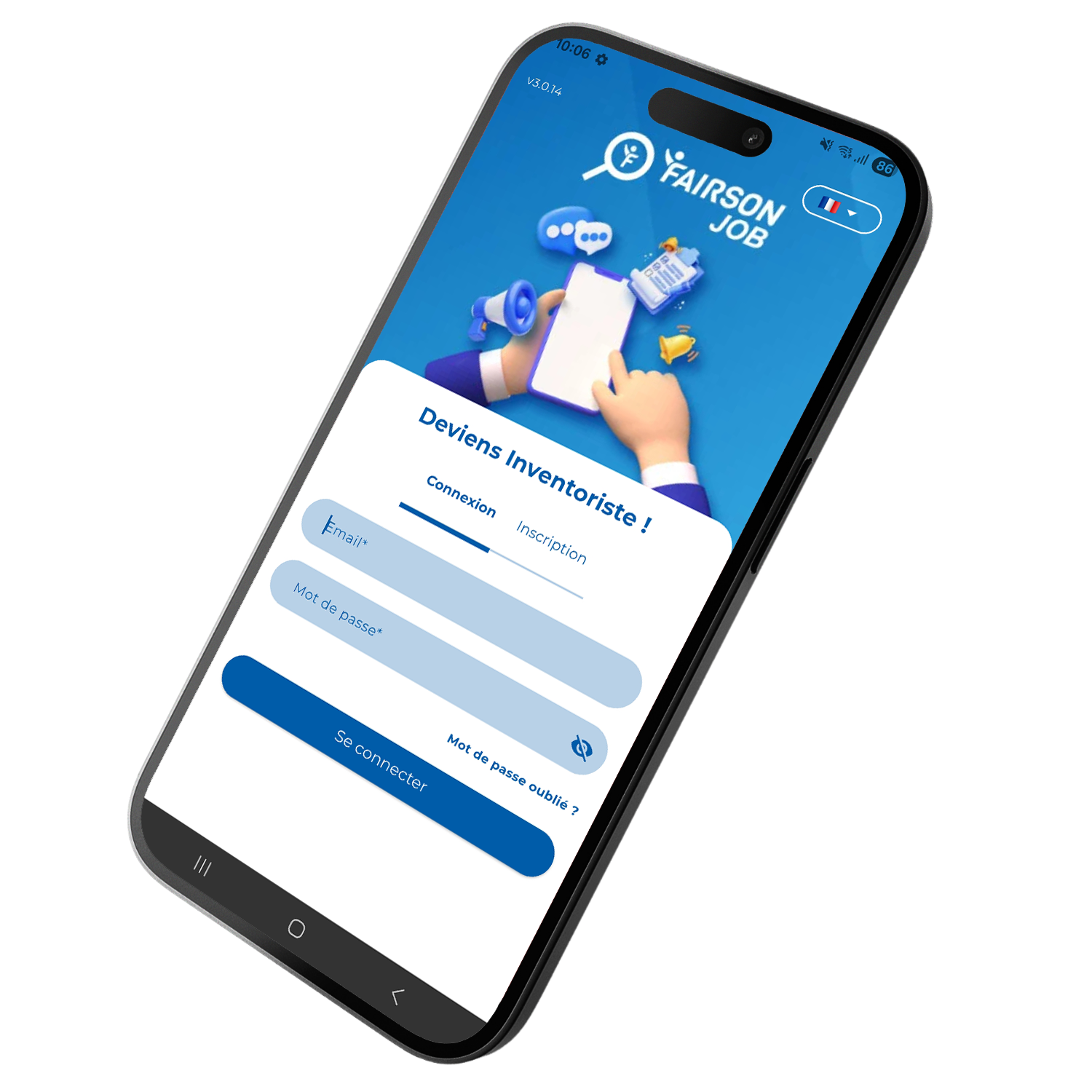

Step 1: Complete your profile to 100%
This is the foundation of everything, yet many inventory associates overlook it. An incomplete profile may prevent you from applying for certain shifts or place you lower down the list when candidates are being selected.
Make sure your profile includes:

A recent, high-quality profile photo
A valid form of identification (front and back)
Up-to-date bank details so your payments can be processed without delay
Complete and accurate contact details (address, phone number and email address)
Your availability entered as accurately as possible
Practical tip: Take 10 minutes this evening to check that every section of your profile has been completed properly. A fully completed profile is essential if you want to apply quickly and secure shifts without unnecessary delays or complications.
Step 2: Set up your location preferences correctly
This is one of the most overlooked settings in the entire app. Your location preferences help determine which shifts are offered to you first. If they are not configured correctly, you could be missing out on dozens of opportunities every month.
How to optimise your location settings
- Enter your main address accurately, including the street number rather than just the town or city.
- Remember to update your address whenever you move, even temporarily (for example, during university term time, holidays or a work placement).
- Keep your availability up to date by specifying the days and times when you are willing to take part in stocktaking shifts.
The more accurate your information is, the more relevant the shifts you receive will be, helping you avoid missing opportunities that are a good fit for your schedule and location.


Step 3: Enable notifications and react quickly
This is the single most important setting if you want to avoid missing out on shifts. If Fairson Job notifications are disabled on your phone, you may not see new opportunities until hours later and by then, the most popular shifts are often fully booked.
On Android
- Open Settings → Apps
- Select Fairson Job
- Tap Notifications
- Enable all available notification categories
- Check that the app is not being restricted by Battery Saver or any battery optimisation settings, as these can delay or block push notifications
Sur IPhone (iOS)
- Open Settings → Notifications
- Find Fairson Job in the list of apps
- Enable Allow Notifications
Turn on Banners, Sounds and Badges so you don't miss any alerts - Make sure Focus Mode or Do Not Disturb is not preventing notifications from appearing during the times when new shifts are typically published
Practical tip: If you usually keep your phone on silent overnight, consider setting up a notification schedule that keeps alerts active during the evening. This is often when shifts for the following day are released, and being notified straight away can give you a valuable head start.
Step 4: Develop the right application habits
Even with perfectly configured notifications, your responsiveness is what really makes the difference. Here are some of the habits shared by the most active and successful inventory associates.
Apply straight away: As soon as you receive a notification about a new shift, open the app and apply immediately. Don't wait until you've double-checked your diary.
If the shift looks suitable at first glance, secure your place first. You can always withdraw later if something unexpected comes up (provided you do so within the permitted timeframe).
Check the app regularly: Notifications can occasionally be delayed depending on your device, settings or mobile network.
Get into the habit of opening the app two or three times a day (in the morning, early in the evening, before going to bed).
This simple routine can help you spot new opportunities before other applicants.
Don't overlook weekday shifts: Many inventory associates focus exclusively on weekend shifts. As a result, weekday opportunities often attract less competition.
If you have free evenings between Monday and Thursday, this can be an excellent way to secure more regular work.
Maintain a strong attendance record: An inventory associate who accepts a shift and then fails to attend (the dreaded "no-show") can negatively impact their standing within the app.
On the other hand, a strong attendance record helps strengthen your profile and may improve your access to future opportunities.
Only apply for shifts when you are genuinely available and confident you can attend.


Step 5: Progress through the Talent Factory
This is probably the most strategic piece of advice in this article. By progressing through the Talent Factory, you can gain priority access to shifts before they become available to everyone else.
The Talent Factory rewards inventory associates who are reliable, punctual and consistently perform well through four progressive levels: Auditor, Specialist, Expert and Top Gun.
From the Auditor level onwards, you may receive early access to certain shifts before they are opened to the wider community. This can make a significant difference when it comes to securing the most popular opportunities.
In other words, if you often feel that you're missing out on shifts, the best long-term strategy is to complete more shifts, build your experience and progress through the Talent Factory. As you move up the levels, you'll gain advantages that can help you access opportunities ahead of newly registered users.
In summary: your never-miss-a-shift checklist
Before you leave this article, here are the five actions you should take today:
☑ Complete your profile to 100% (documents, contact details and availability)
☑ Check and update your location settings in the app
☑ Enable all Fairson Job notifications on your phone
☑ Get into the habit of checking the app two or three times a day
☑ Apply as soon as a suitable shift becomes available, and keep completing shifts to progress through the Talent Factory